Stop fighting over screen time!
Learn first, then play.
Books, STEM, math games and language videos unlock your child’s apps.
Emetli keeps the apps you choose locked until your child learns. Learning time unlocks play time - and it’s only spent while those apps are in use.

- Free
- For iPhone and iPad
- iOS 17.4 or later
How it works
Pick the apps to lock
Choose the games and apps that should wait. Pick a whole category, like Games or Social, and apps you install later are covered too.
Choose what earns play time
Turn on books, STEM or language videos - whatever suits your child.
They learn, then they play
Every minute of reading adds a minute of play. The time only runs down while a locked app is in use, and the apps lock again when it runs out.
Setup is for a parent and takes about two minutes. Emetli itself never gets locked.
Pip guards the games
The apps you pick stay locked until today’s learning is done.
- Open a locked app and Pip is there: “Time to learn!”
- Your child can ask for more time right from a locked app. You answer with your parent PIN.
Books that earn play time
Every minute of reading adds a minute of play.
- A calm reader with big, easy-to-read text.
- No timers on the page, so your child can just read.
STEM made for kids
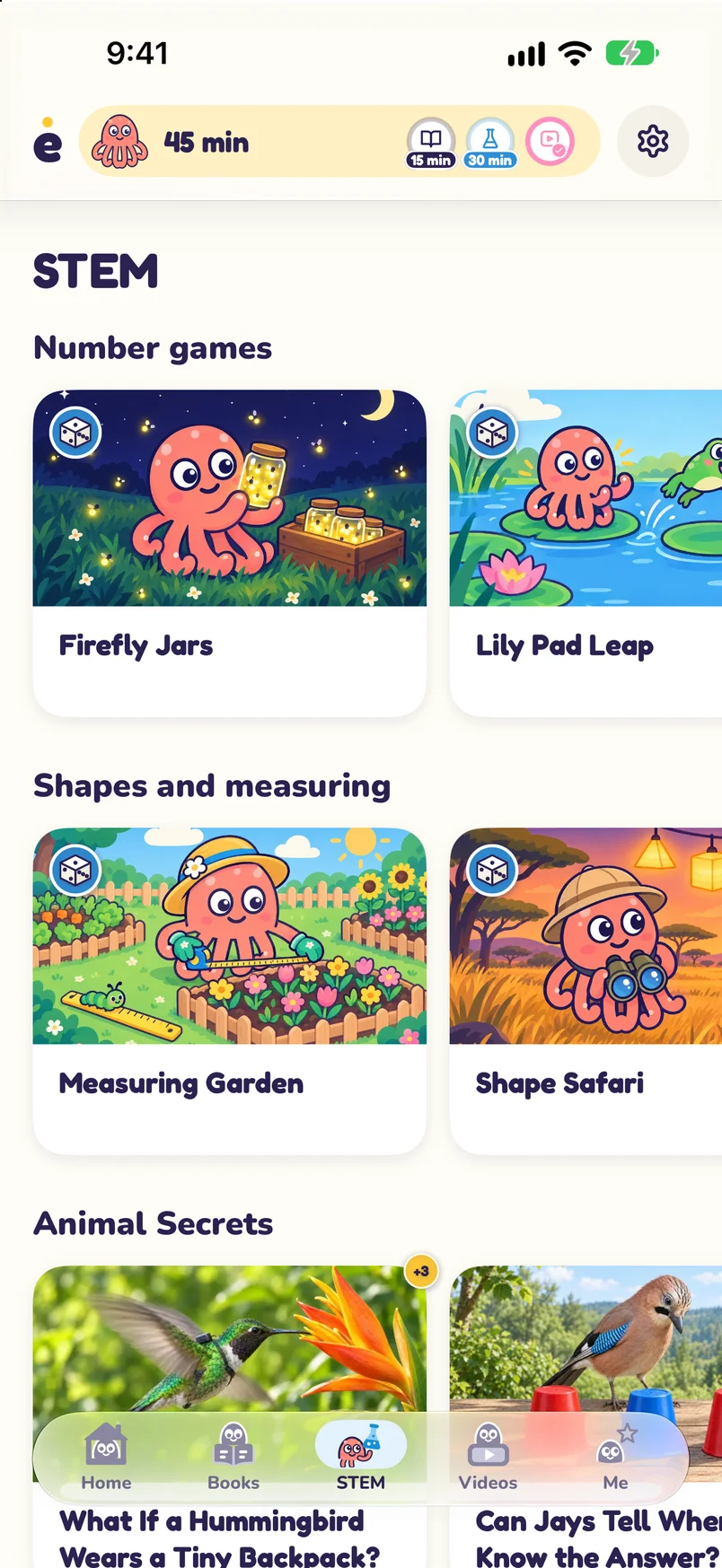
Fifteen math games and STEM explainers, made for your child’s age.
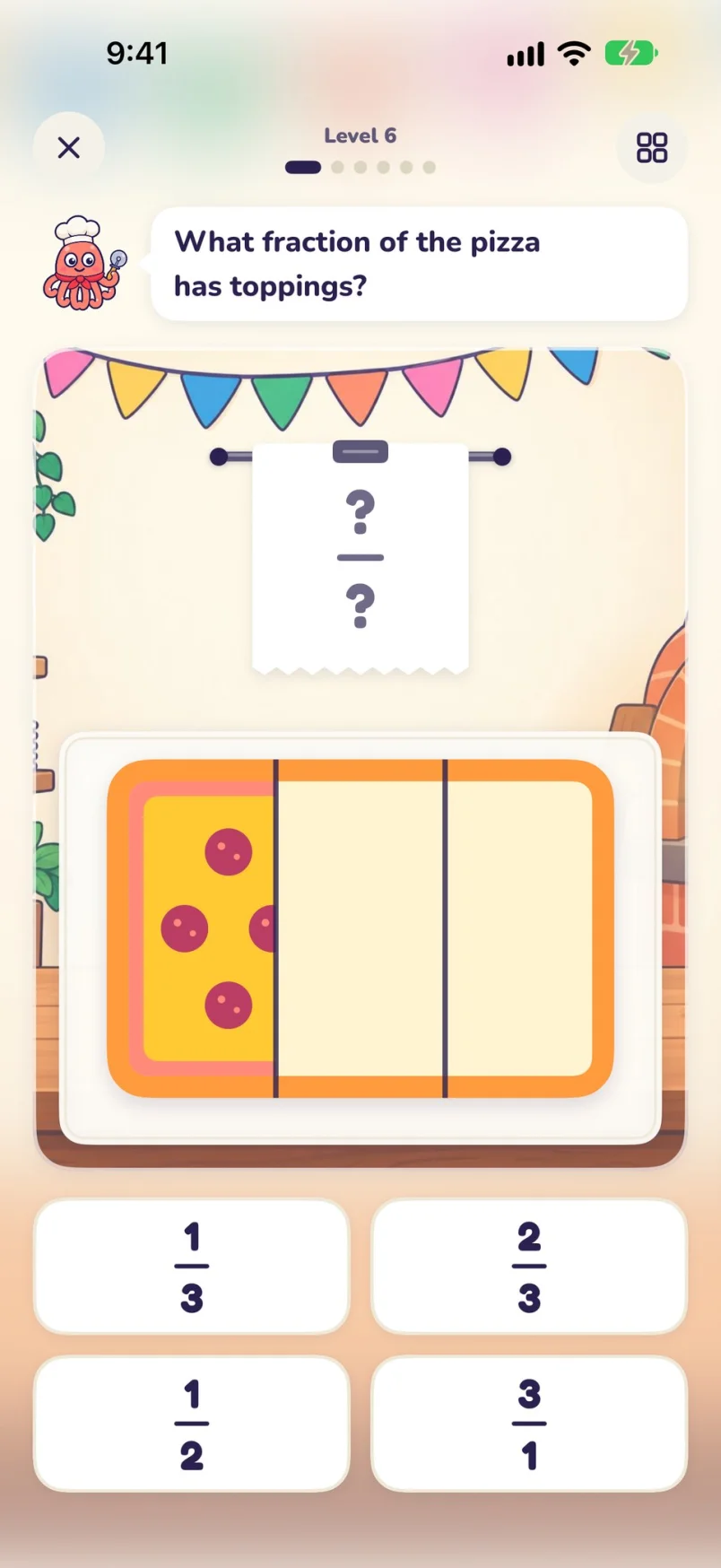
- Fifteen math games, from counting and fractions to shapes, time and angles. Every level earns play time.
- Short science articles on animals, space, nature and how things work.
- You choose the topics your child sees.
Videos that teach language and STEM
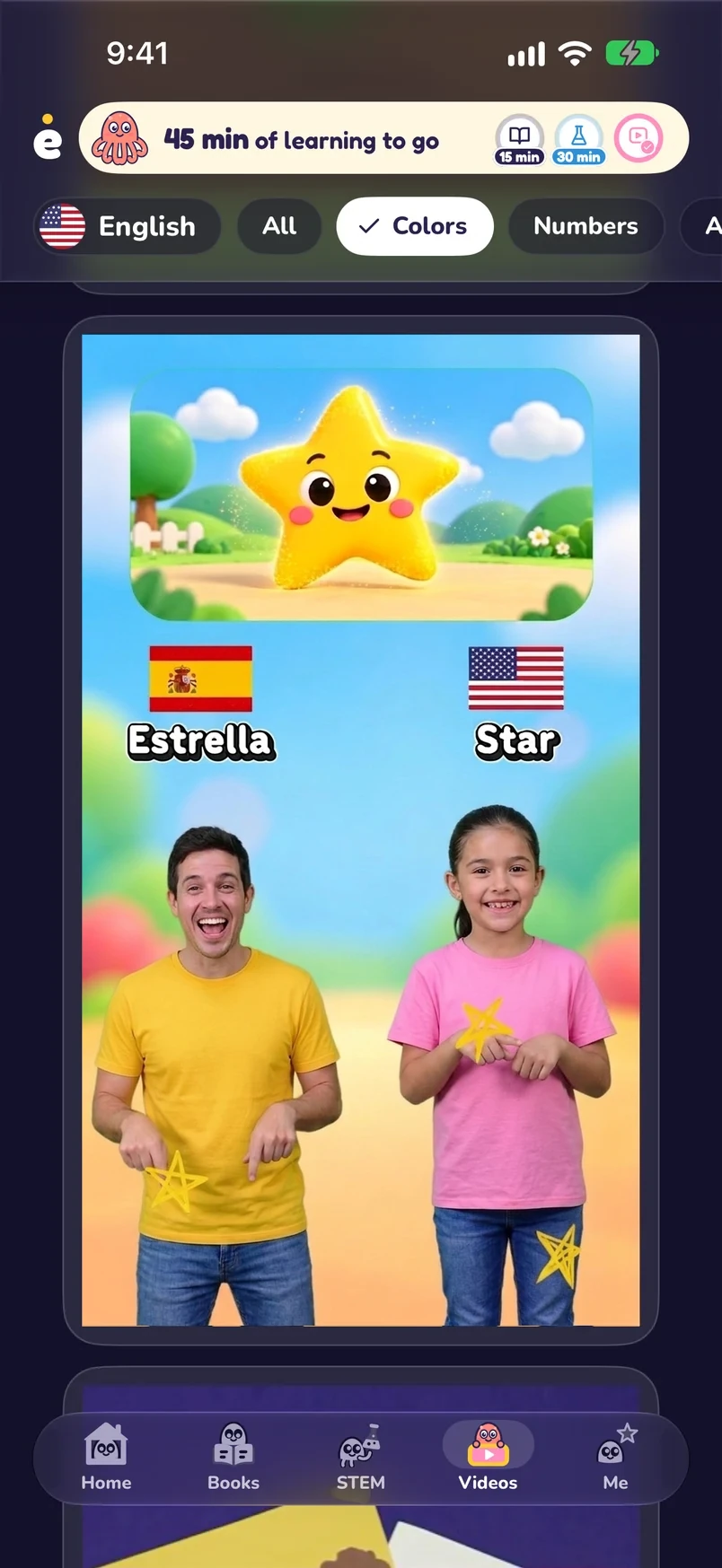
Short videos made for kids, from animals and space to colors and counting - in English and Spanish.
- Swipe up for the next video, or pick a topic like Colors, Numbers or Animals.
- Real science and nature sit beside first words and numbers.
- A friendly “Still watching?” check keeps the minutes honest.
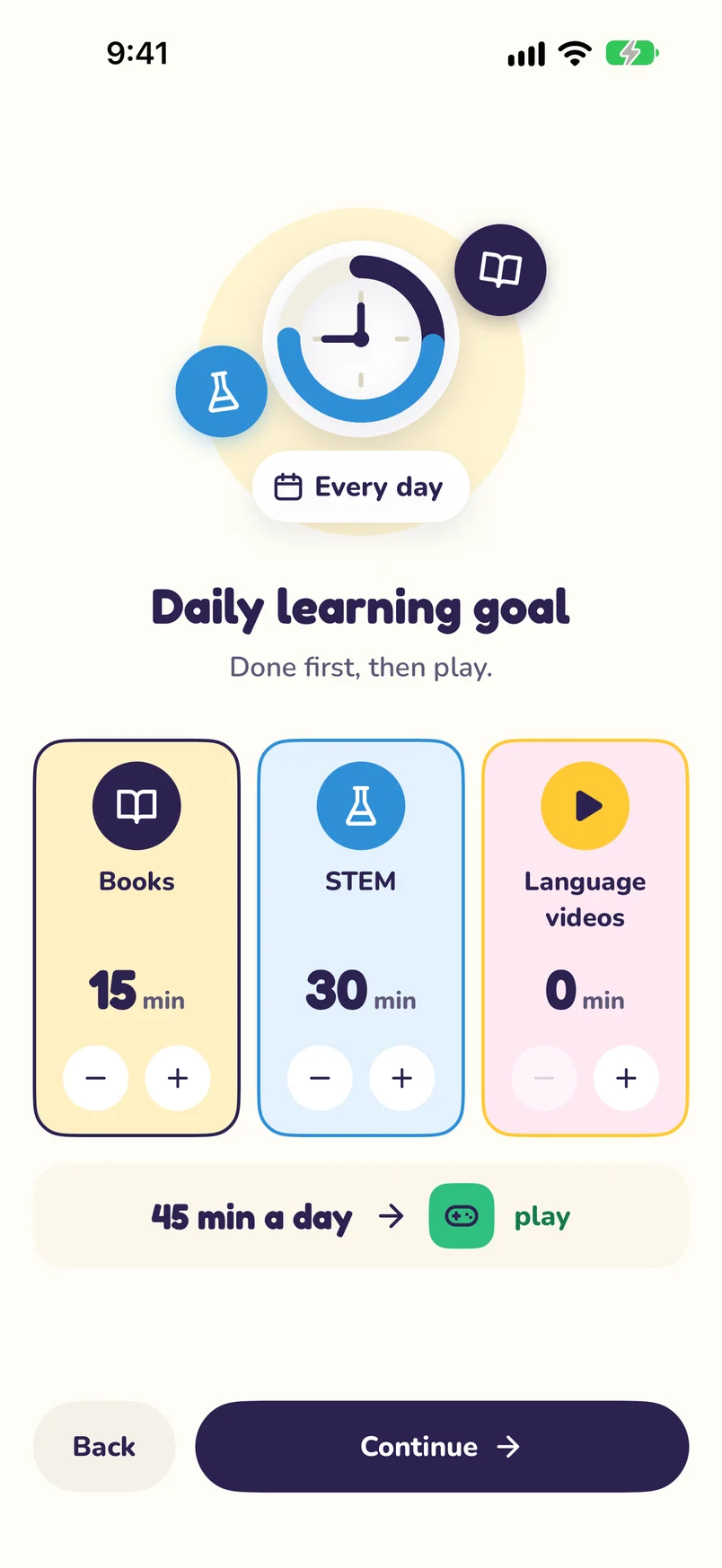
You set the daily minimum
Choose how much learning comes before play. Change it anytime.
- Set each activity from 5 to 120 minutes a day, or leave it off.
- Minimums reset at midnight, and those minutes still earn play time.
Classics, freshly painted
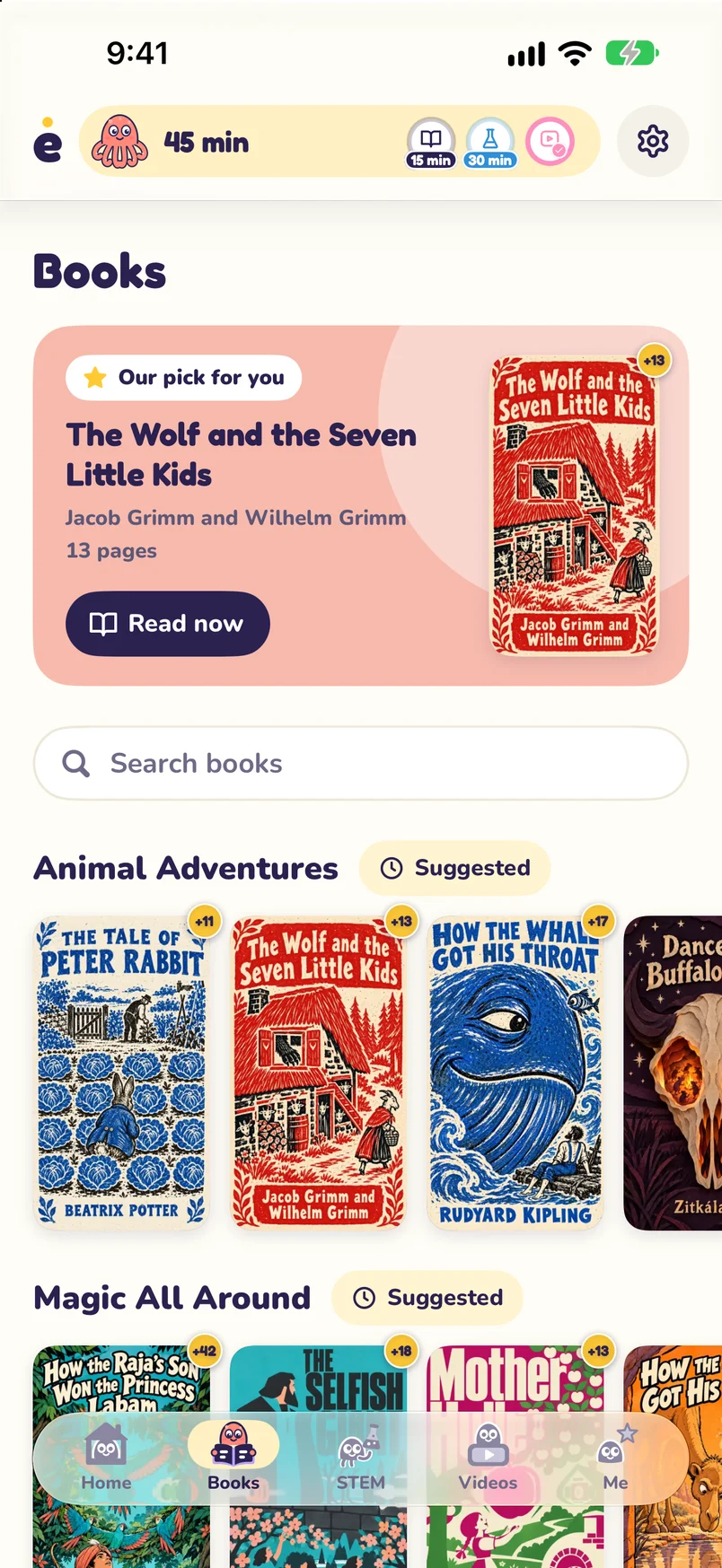
Hundreds of books picked for your child’s age, each with its own painted cover.
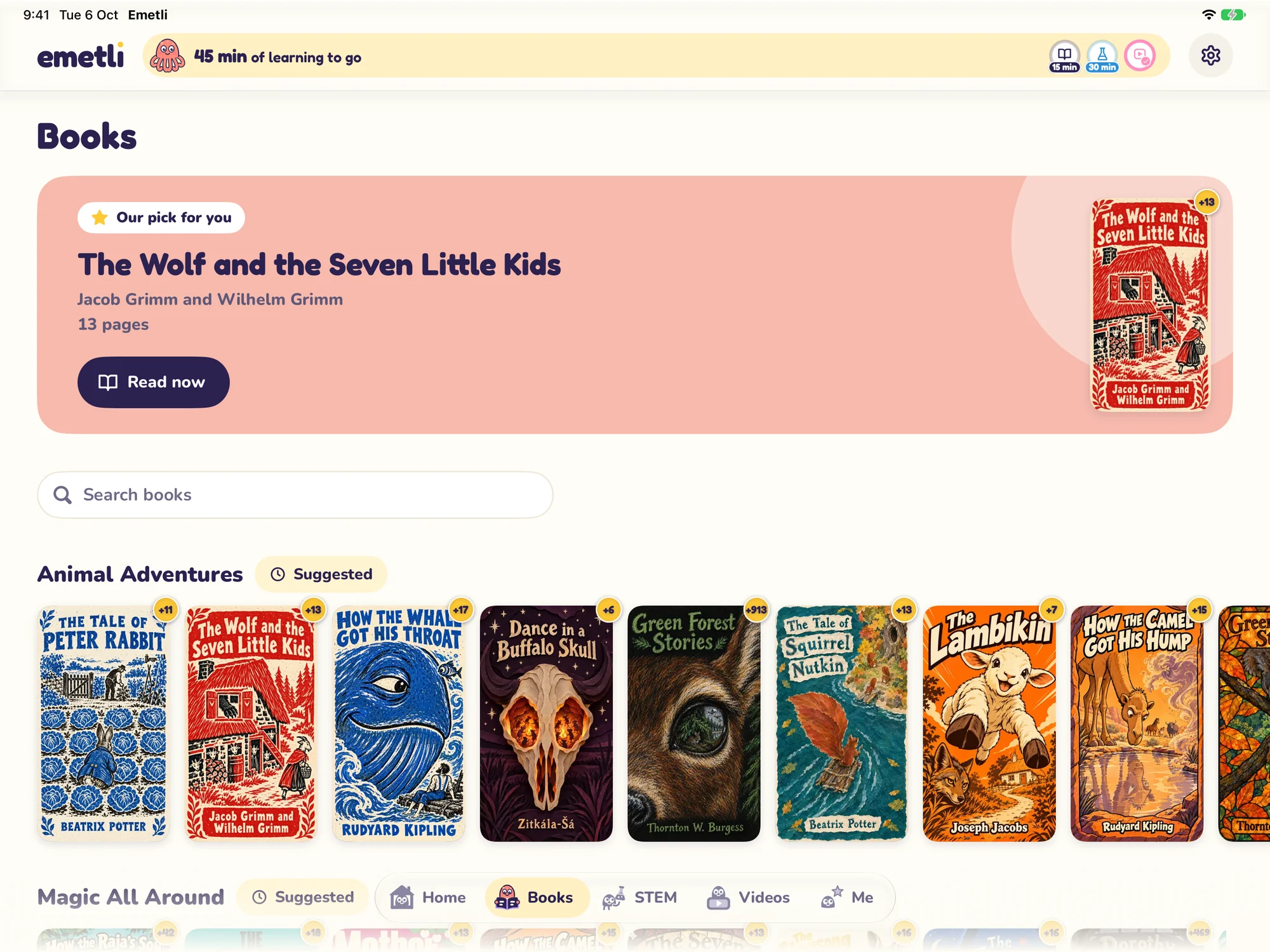
Emetli works on iPhone and iPad.
Parents stay in charge
You set the rules once. Emetli does the reminding.
Parents only
Settings sit behind a 4-digit parent PIN. Pip promises not to peek.
No timers or rates for kids
Your child sees one friendly countdown on the home screen. Activity screens show no timers, and kids never see earn rates.
Minutes only tick down while they play
Saved play time is only used while your child is in a locked app.
Bonus time when you want it
Add bonus time from the parent area, or answer a request for more time with your PIN.
Questions parents ask
What is Emetli?
An app for iPhone and iPad that keeps the apps you choose locked until your child learns in Emetli - with books, STEM articles, math games or videos. Learning time turns into play time.
How does my child earn play time?
Every minute of reading a book or a STEM article adds a minute of play, and every math game level earns minutes too. Videos earn play time as well: 2 minutes of watching for 1 minute of play, or 1 for 1 if you change it in the parent area. Your child never sees the rates.
Does the time run down while they’re in Emetli?
No. Saved play time is only used while your child is in a locked app. When it runs out, the apps lock again.
What’s a daily minimum?
The least your child does each day before apps unlock. You set it for each activity: off, or 5 to 120 minutes. It’s the same every day, resets at midnight, and those minutes still earn play time.
Which languages does Emetli speak?
You pick your child’s main language: English, Español, Português or עברית. Emetli and Pip talk to your child in it. The language videos are in English and Spanish, and you choose which.
Which devices does it work on?
iPhone with iOS 17.4 or later, and iPad with iPadOS 17.4 or later. Emetli uses Apple’s Screen Time to lock the apps you choose.
Can my child switch it off?
The parent area is behind a 4-digit PIN. If your child’s device uses a child account in your Family Sharing group, Screen Time access is protected, and Emetli can’t be deleted without your approval. On other devices, your child could delete Emetli or switch off its Screen Time access in Settings; from iOS and iPadOS 26.4, a Screen Time passcode guards that switch.
What if I forget the parent PIN?
It can’t be reset. Delete Emetli and set it up again - it only takes a couple of minutes. Saved play time is lost, and you pick the apps to lock again.
When can I get it, and what does it cost?
Emetli is free on the App Store.
Guides for parents
How to limit screen time without daily fights
Predictable rules, a routine that does the reminding, and a calm way to end screen time.
How to get your child to read more
Choice, short regular sessions, books at the right level, and reading together without pressure.
Apps that make kids learn before they play
How “earn screen time by learning” works, what to watch out for, and how to set it up fairly.
Apple Screen Time vs. Emetli: what each one does
An honest comparison of Apple’s built-in limits and Emetli, and how to use them together.
Learn first, then play
Free for iPhone and iPad.